Your Office can be anywhere
Get more done wherever you are, on virtually any device you use.
Office 365 has the tools you need to work anytime, anywhere, on any device. It’s the same Office you’ve used for years, plus all the benefits of the cloud.
Products in this solution

Get it done from anywhere
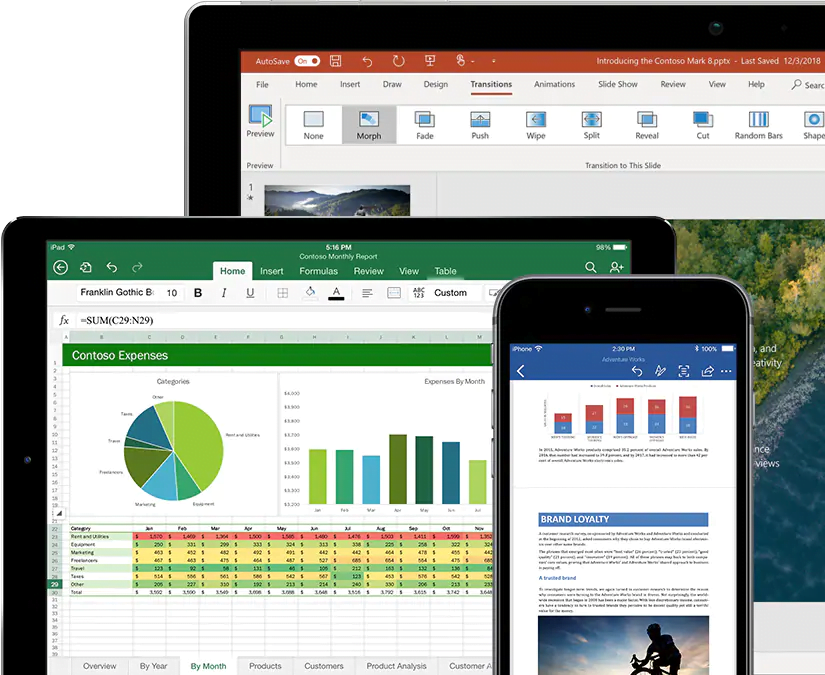
Office 365 gives you the familiar, always up-to-date applications you know on your favorite device. With some plans, you can install Office on up to five PCs or Macs and five tablets (iPad, Windows, or Android), and transfer the installation if you switch devices. View and edit files on Windows Phones, iPhone®, and Android phones with Office Mobile.

Work on your schedule
Work whenever you need to, on whatever device you choose. Share files that are always accessible, online and off, and stay in sync with your team. When there’s work to be done, your Office is right there.
Never miss a beat
Spend your time working instead of installing, updating, and syncing. Office 365 takes care of all that behind the scenes, so you can get right down to business. And Office 365 stays up to date, so you’re always working with the latest version of Word, Excel, PowerPoint, and Outlook.

Boost your productivity with built-in intelligence
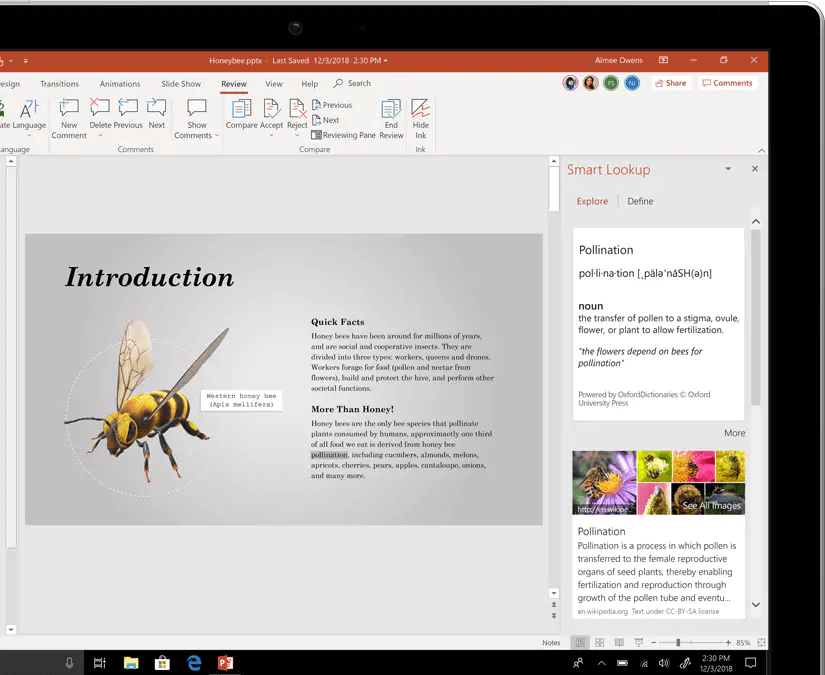
Office 365 applications include intelligent capabilities to help save you time and get better results. Author content with built-in help, design with confidence, and analyze data to find insights. Whether you’re updating a resume, creating a presentation, or evaluating your budget, intelligent services like Researcher and Editor in Word, Designer in PowerPoint, and Insight Services will help you create like a pro.
Ready to get more done with Office 365?
Microsoft Office applications
Outlook
Stay connected and productive with a clear, unified view of your email, calendar, contacts, and files.
Word
Bring out your best writing, collaborate with anyone, anywhere, and work the way you want with Microsoft Word.
Excel
View, edit, or create spreadsheets from anywhere, collaborate on workbooks in real time, and get a better picture of your data with Microsoft Excel.
PowerPoint
Take your presentations to the next level, co-author presentations wherever you are, and present with confidence with Microsoft PowerPoint.