Clipboard history lets you return to earlier copied content instead of relying on your most recent copy.
Enable and test history
- Press Windows + V and select Turn on.
- Copy two harmless text snippets.
- Click inside a document, press Windows + V, and select the earlier snippet to paste it.
Remove copied content
Press Windows + V. Beside an entry, select See more (…) and Delete to remove it.
Choose Clear all at the top to clear device history. Pinned items remain. To clear history on the device and in the cloud, use Settings > System > Clipboard > Clear clipboard data > Clear; pinned items are also excluded.
Know the limits
History supports text, HTML, and bitmap items up to 4 MB each, with 25 copied entries. Older unpinned items make room for newer ones. Restarting clears history except pinned items.
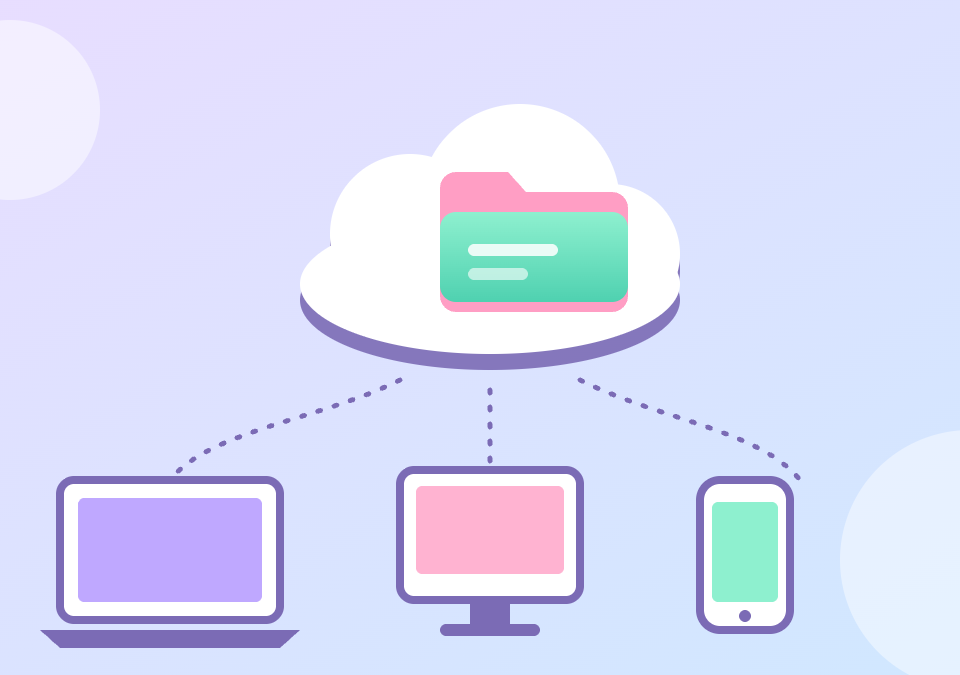
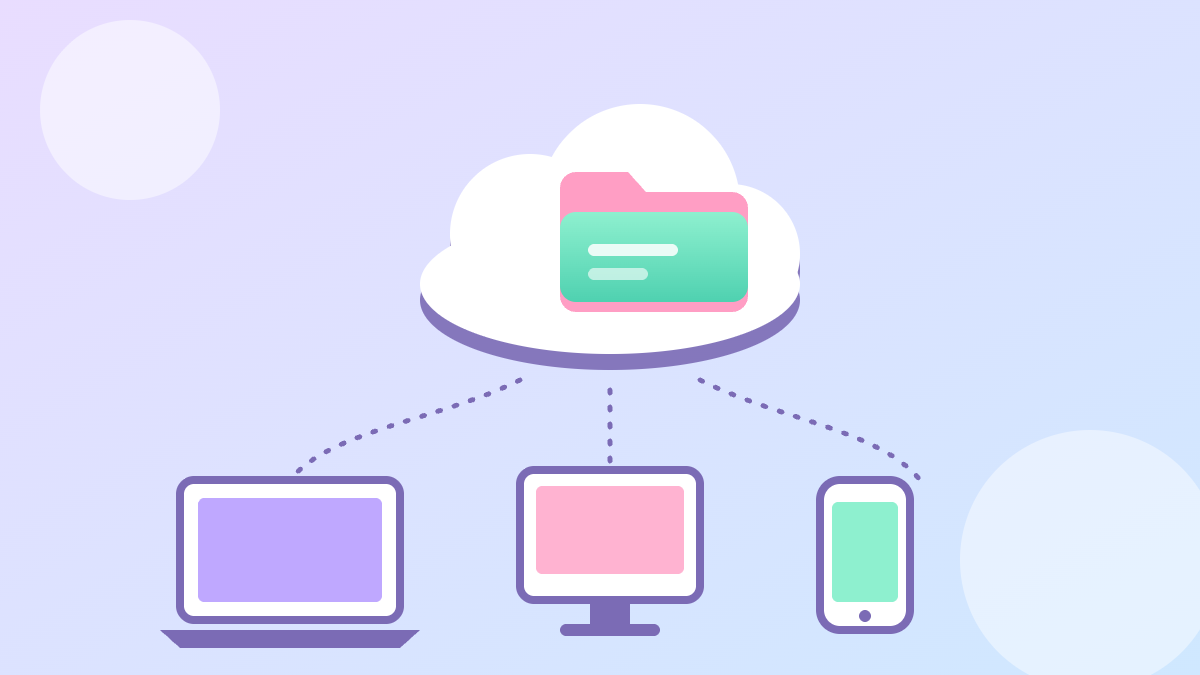
Cross-device history is a separate setting under Clipboard and uses the same Microsoft or work account. Review it before enabling cloud sync. Use nonsensitive examples when testing this feature.