Install the Outlook for Android app from the Google Play Store and then open it.
Tap Get Started if this is your first time.
Otherwise, to add another email account, open the Menu > Settings > Add Account > Add Email Account. Then skip to Set up another email account below.
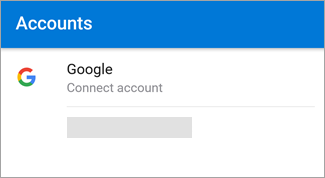
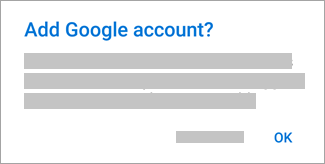
Outlook may detect your Google accounts. Just add a new account to Outlook for Android, and tap OK to confirm. Tap Allow to give Outlook access to your Contacts.
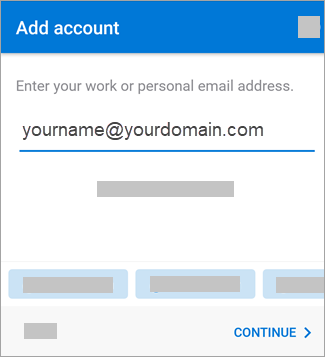
Set up another email account
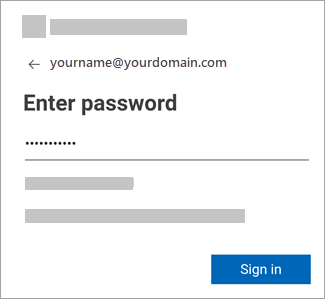
Enter your email account password and tap Sign In or Next.
Note: The sign-in screen may look different for you depending on your email provider.